FINDER Portal
GPS Tracking
Software

Simply locate, manage, and secure anytime, anywhere.

How the FINDER Portal Works with Your GPS Tracker

When you purchase a GPS tracker from us, you manage it via the Finder Portal. You can easily locate and manage one or multiple trackers, all in one place. Watch the video to see how it works:

Discover All Features of the FINDER Portal, your Complete GPS Tracking Solution

More than just an app, the FINDER Portal provides all the tools you need for efficient GPS tracking, including live location, route history, smart alerts, and central device management, accessible on any device worldwide.

Live tracking

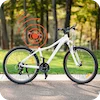
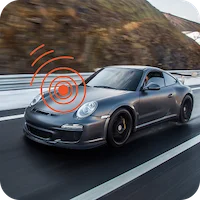
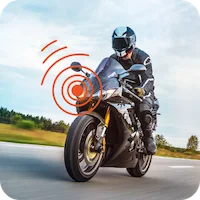
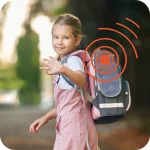
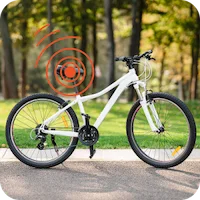
Current locations of all your GPS trackers at any time - whether car, motorcycle, bicycle or other devices

Route history & analyses

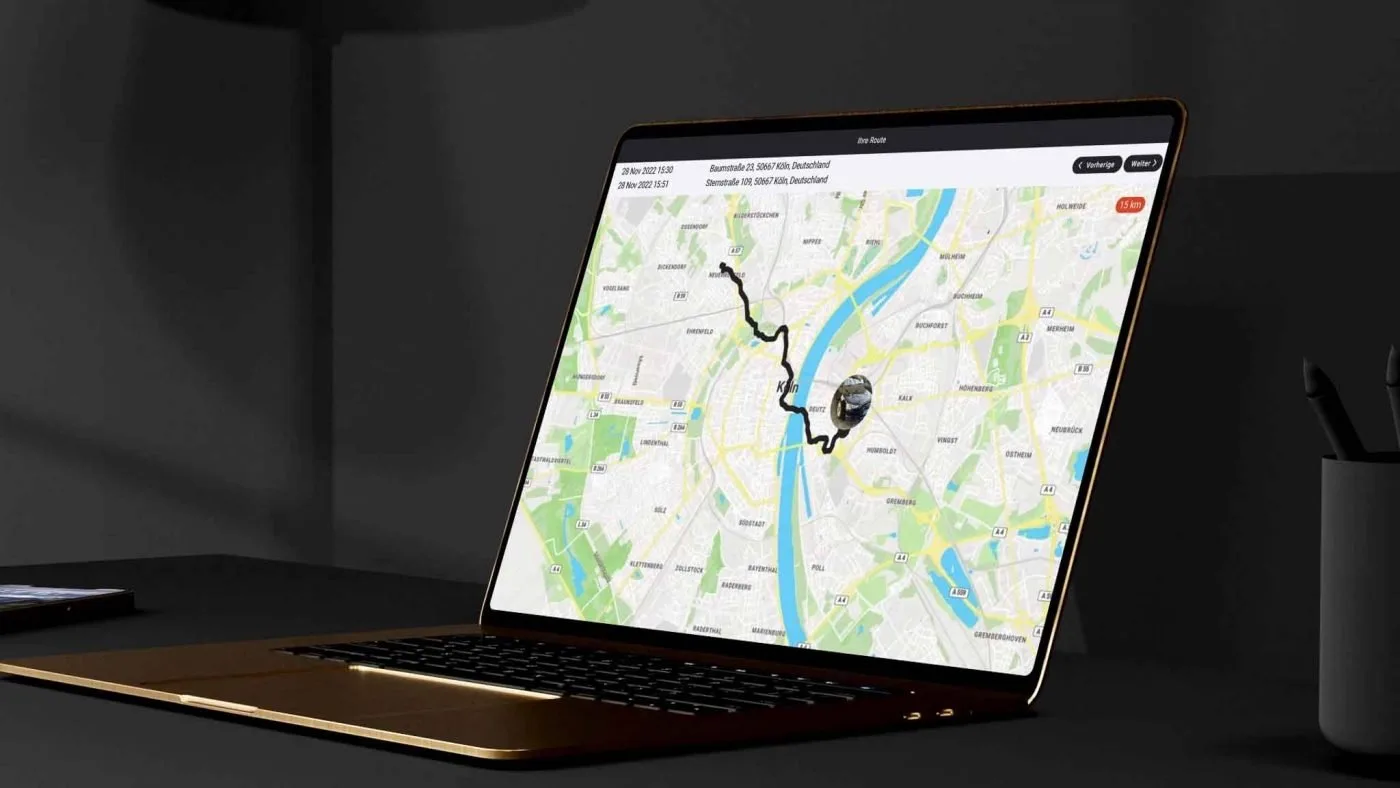
Trace past routes up to 365 days back – with detailed analyses

Central device management​

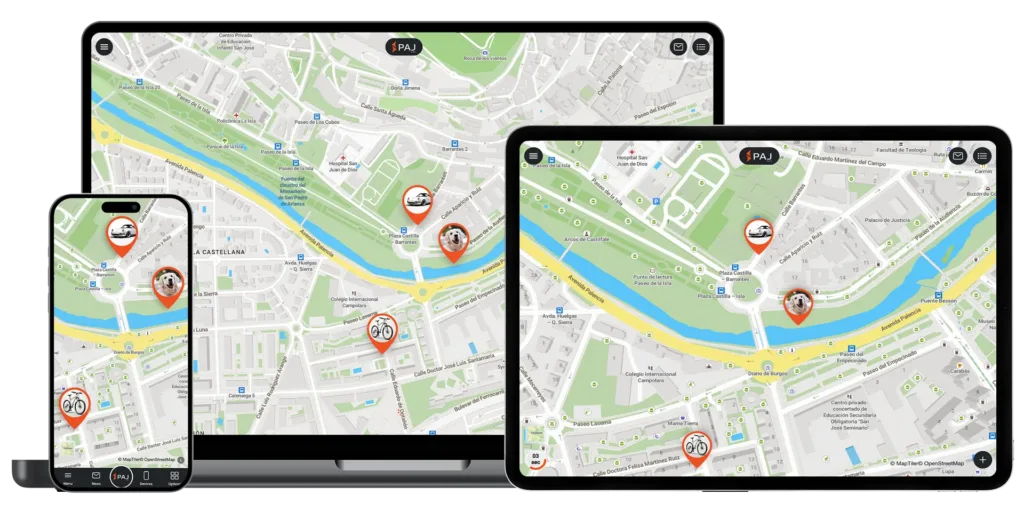
Manage multiple GPS trackers in one place with a clear overview

Cross-Platform Access

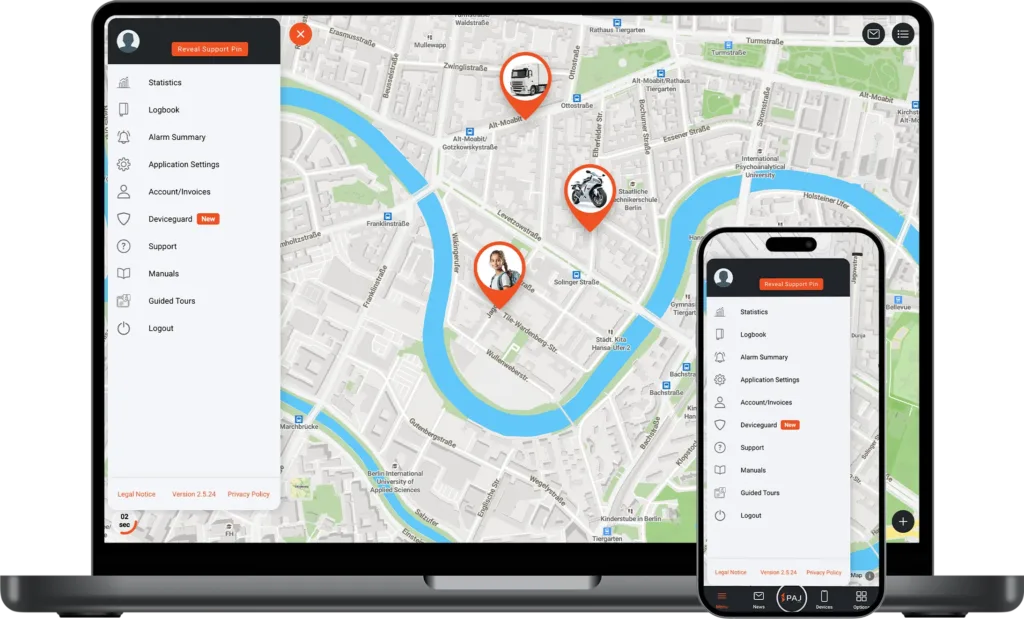
Use the portal seamlessly on smartphone, tablet, or desktop

Intelligent alarms

Instant notifications of movement, vibration, entering or leaving specified zones, and other events

Regular Updates

Continuous improvements and new features based on customer feedback

User Management

Assign roles and permissions with ease – from Admin to basic User

Open API

Build tailored solutions – from fleet systems to smart home automation

Live tracking

Current locations of all your GPS trackers at any time - whether car, motorcycle, bicycle or other devices

Route history & analyses

Trace past routes up to 365 days back – with detailed analyses

Central device management​

Manage multiple GPS trackers in one place with a clear overview

Cross-Platform Access

Use the portal seamlessly on smartphone, tablet, or desktop

Intelligent alarms

Instant notifications of movement, vibration, entering or leaving specified zones, and other events

Regular Updates

Continuous improvements and new features based on customer feedback

User Management

Assign roles and permissions with ease – from Admin to basic User

Open API

Build tailored solutions – from fleet systems to smart home automation

Try the FINDER Portal for Free​

With our trial access, you can explore all functions. A demo tracker records routes regularly, so you can experience the portal realistically.

1
Open the FINDER Portal

Download the FINDER Portal v2 app from the App Store or Google Play, or access it directly via your browser at www.finder-portal.com

2
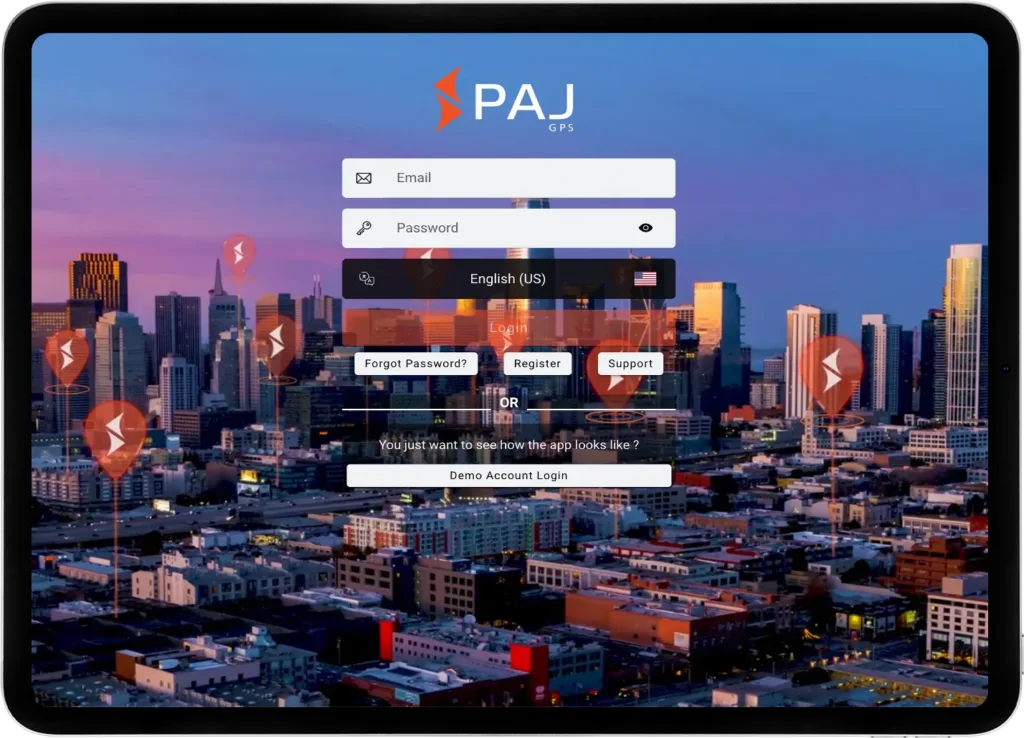
Select Demo Login​

Open the app or web version and click on
“Demo Account Login”

3
Explore Functions

Start using the portal with the integrated demo tracker – no registration required

* Since multiple users share this access, we do not recommend enabling notifications permanently.
** You may choose whether to allow the app to access your device’s location. This does not affect the demo access or tracker functionality.

What to Expect in the FINDER Portal
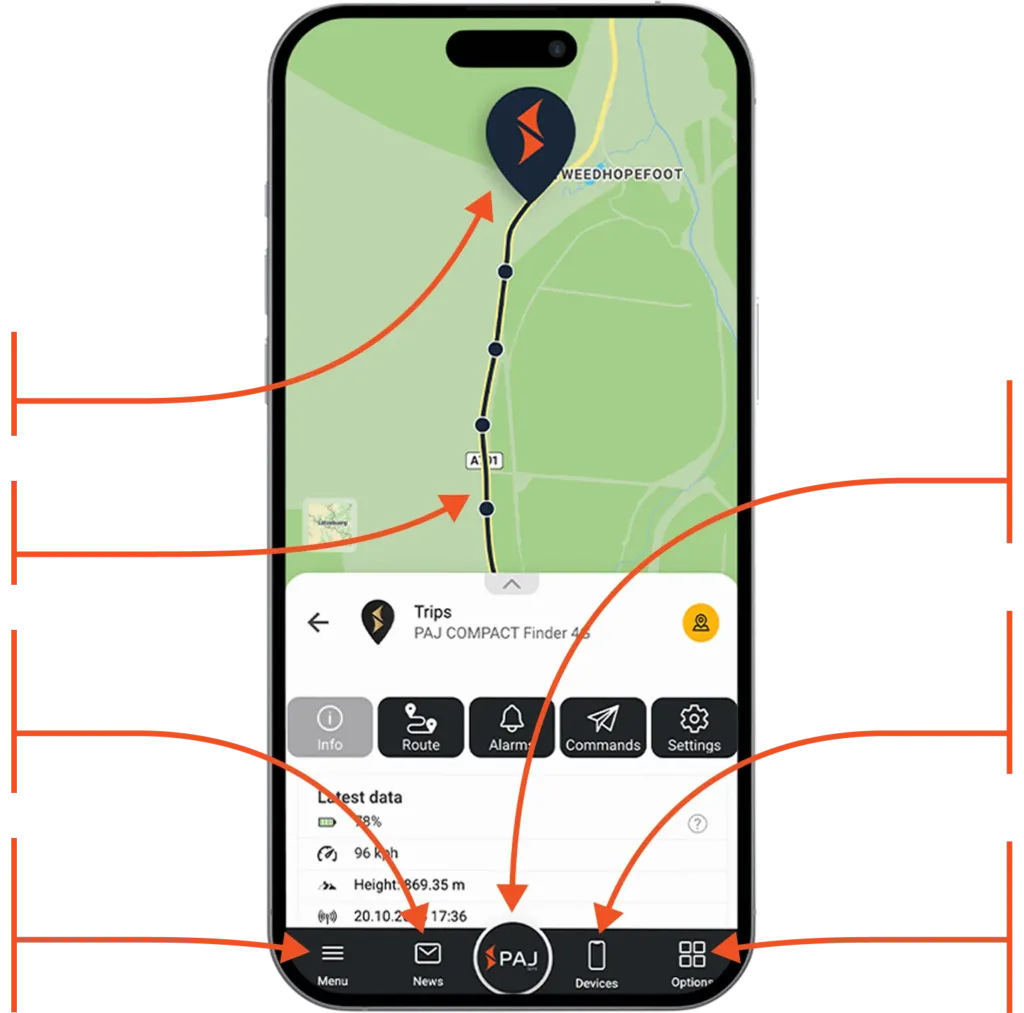
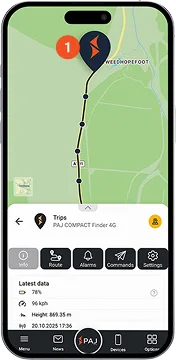
Current location of the device
Route traveled​
Instantly access recent activities, routes, and alarms
Manage your account, adjust app settings and access the manual to discover all the features
Tap to return to the map view and refresh the data and refresh the data​
Manage your device: View data, analyze routes, set alarms, and adjust settings
Customize your map view: Switch to 3D view, show or hide routes, waypoints and alarms
What to Expect in the FINDER Portal
Multilingual and Cross-Device Compatible

Simple, flexible, and available on all devices

The FINDER Portal is designed for maximum flexibility – usable on desktop, smartphone, and tablet. Thanks to the multi-device function, it can be used on several devices simultaneously, ideal for sharing with family, friends, or colleagues. With support for 9 languages, it is especially user-friendly and globally accessible.

Trusted by over 520,000 customers in more than 30 countries worldwide.​

See for yourself what others are saying!

Software Made in Europe

Your privacy is always our top priority. All data is stored securely on a European server managed under German law. User profiles are never created from your data, nor is it shared with third parties. Your data belongs only to you.

Open the FINDER Portal

All transmitted data is fully encrypted to protect your personal information and location data

Regular Security Updates

With PAJ GPS, you are protected from data leaks thanks to continuous updates that address new threats and enhance system security

Compliance with Privacy Regulations

We adhere to strict regulations and employ robust security measures to ensure your data is handled responsibly and safely

Get Started Today with our
All-in-One GPS Solution
1
Buy a GPS tracker

Choose the perfect tracker for your needs.

2
Choose a subscription

Choose a plan that flexibly adapts the duration and features to your needs. The subscription is part of the complete GPS solution.

3
Start tracking

Sign in to the app and start tracking immediately.

Download the FINDER Portal
and Start Immediately

Start tracking today! Visit finder-portal.com or download the app directly from your preferred app store

FAQ
Have questions, We got answers.
Everything you need to know about our process, and how we deliver results.
Is it possible to deliver abroad?

No, delivery abroad is not possible.

How do I return an item?

The easiest way is to contact us in writing. We will be happy to help you with any problems or questions regarding returns.

You can return your order to us within our extended right of withdrawal (30 days after purchase). Please make sure to include the withdrawal form.

The instructions for returning your item can be found under the following link: Return instructions.

How do I find out the current status of my return?

Once we have received your return, it will be carefully checked, which can usually take 1-2 working days (depending on our workload). We will then inform you immediately about the current status and the next steps.

If you still have any questions or concerns, our customer service team will be happy to help you at any time. You can contact us in writing or by telephone.

The delivered product does not correspond to my order?

Do you have the feeling that you have ordered something else?

Please contact our customer service directly to clarify your request.

Please have your order number ready, which you will find in your e-mail order confirmation. All the details of your order are also listed there.

Don’t forget to include photos of the delivery you received to help us clarify your request.

What is the withdrawal period?

You can cancel your order within 30 days of purchase.

To do so, follow the instructions described on our website: How can I return my item?

If you ordered electronically, please send us an e-mail to support@paj-gps.com

As soon as we have received your valid revocation and checked the device, we will get back to you shortly and then refund the costs within a few days.

Where can I log in?

Click here to go directly to the new FINDER Portal V2. If you have any further questions about the FINDER Portal, please visit our specially developed and illustrated help page.
Can I use multiple devices with one account ?

You have the option of connecting several devices to one FINDER portal account. This allows you to see several FINDERs on one card at the same time, which can be distinguished by different colors, for example.

However, it is important to note that a separate subscription must be taken out for each device. This is because each GPS tracker uses its own SIM card and therefore incurs connection costs.

If you have any further questions about the FINDER portal, please visit our specially developed and illustrated help page.
Can I activate several alarms at the same time?

Yes, the FINDER offers the option of activating several alarms simultaneously. The available alarms may vary depending on the FINDER model.

Possible alarms that can be activated are :

  • SOS
  • Shock
  • Power interruption
  • Drop alarm
  • Ignition alarm
  • Speed alarm
  • Enter/exit area
Can multiple e-mail addresses receive alarms from my FINDER?

Yes, this is possible. You can specify up to 3 e-mail addresses which should receive alarms. This means that different people can be informed about alarms from your FINDER at the same time.


If you have any further questions about the FINDER portal, please visit our specially developed and illustrated help page.

How long will my data be stored in the FINDER Portal?

The route data of your devices and the overview of alarms triggered in the last 365 days are automatically saved in the portal. After this time or if you cancel your subscription, the data will be deleted from your account.

If you would like to keep the data, you can download the alarm overview and route data from the portal beforehand and save it locally on your PC or smartphone.

If you have any further questions about the FINDER portal, please visit our specially developed and illustrated help page.