





















 Technical Sheet PDF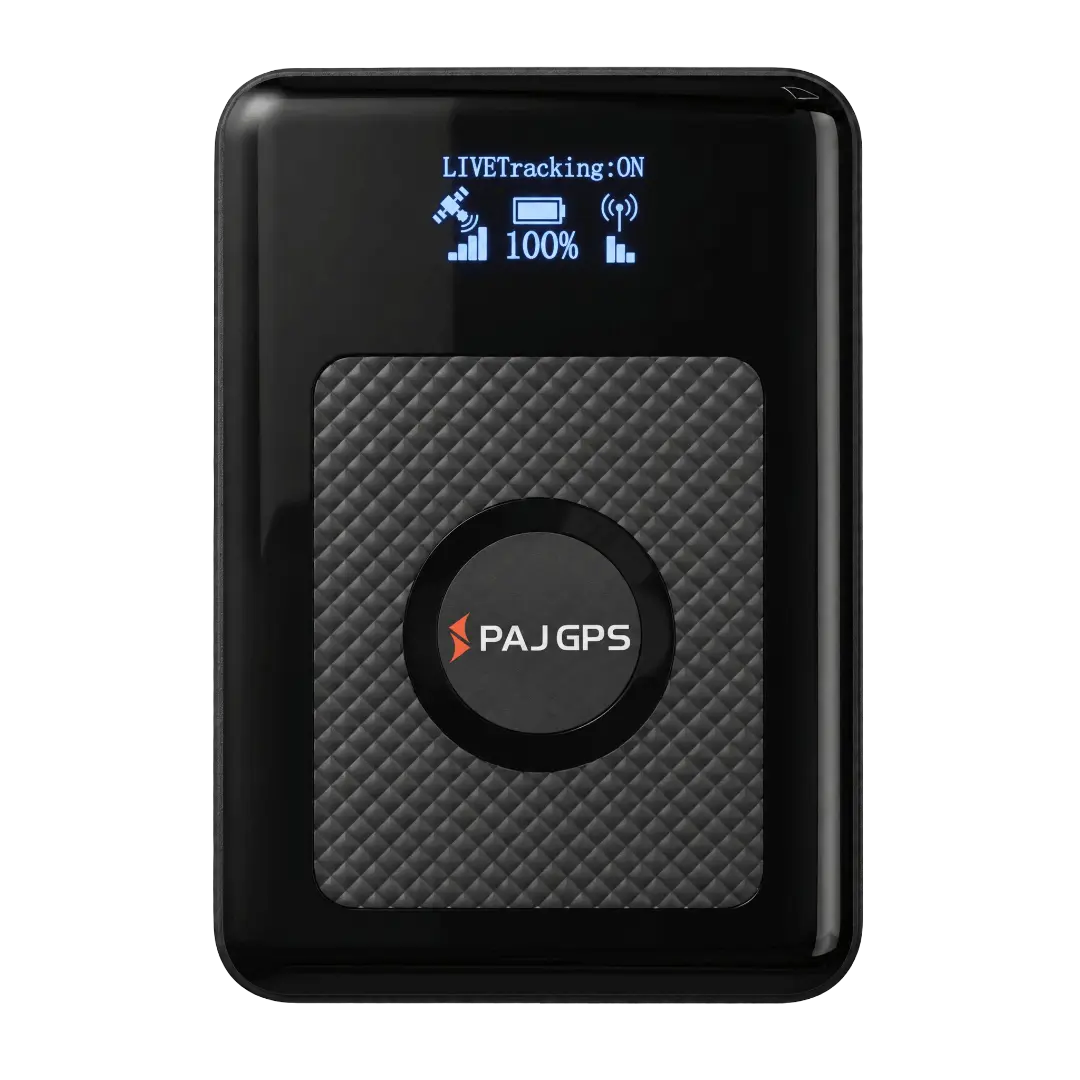



Please follow these simple steps:

• Before first usage fully charge your device

• Choose a subscription duration
• Select a service package (optional)
• Make payment

• Go outside and turn on the device
• Walk around for several minutes
• The device calibrates itself automatically

• Download the FINDER Portal App


or
• Access the FINDER Portal through your desktop browser
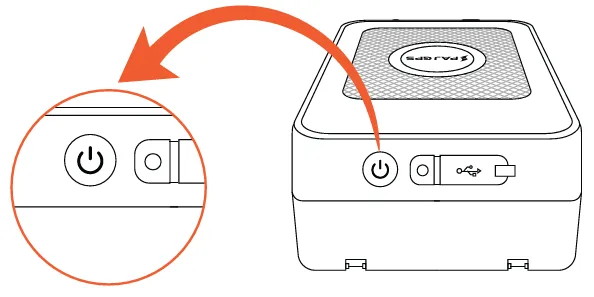
To turn on the FINDER, press and hold the button for 5 seconds.
To turn off the FINDER, press and hold the button for 5 seconds as well. “GOODBYE” will then appear on the display for about 90 seconds. During this time, the shutdown notification is sent.
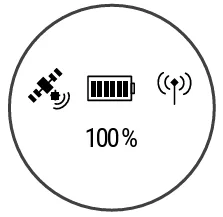
Battery icon: charging cable connected
Blinking animation: Charging
Blinking animation OFF and 100% displayed: Fully Charged
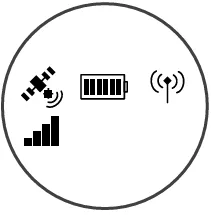
GPS icon solid: GPS signal available
GPS icon blinking: Searching for GPS signal
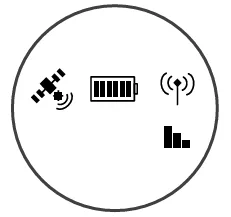
Network icon solid: GSM signal available
Network icon blinking: Searching for GSM signal
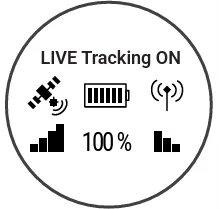
Display “LIVE Tracking ON”: Connected to the server and both GPS and GSM signals are valid
Please have a look at our
If the route recording is not working please try to restart your device.
Make sure your FINDER is charged & switched on.To assist the connection, move the FINDER (short walk/drive) and restart if needed. If the FINDER still doesn’t connect, contact our support.
Ensure your device has a stable network connection & perform a power cycle by turning the device on and off.If it still doesn’t work please contact our support team .
Try using a different wall plug or charging cable, and ensure to turn on and off the device as part of the troubleshooting process
Our In-House Customer Service Team will be happy to assist you with any questions related to your product.









 DE
DE FR
FR ES
ES IT
IT PT
PT USA
USA AUS
AUS