GPS Tracking
Software
Simply locate, manage, and secure anytime, anywhere.

When you purchase a GPS tracker from us, you manage it via the Finder Portal. You can easily locate and manage one or multiple trackers, all in one place. Watch the video to see how it works:
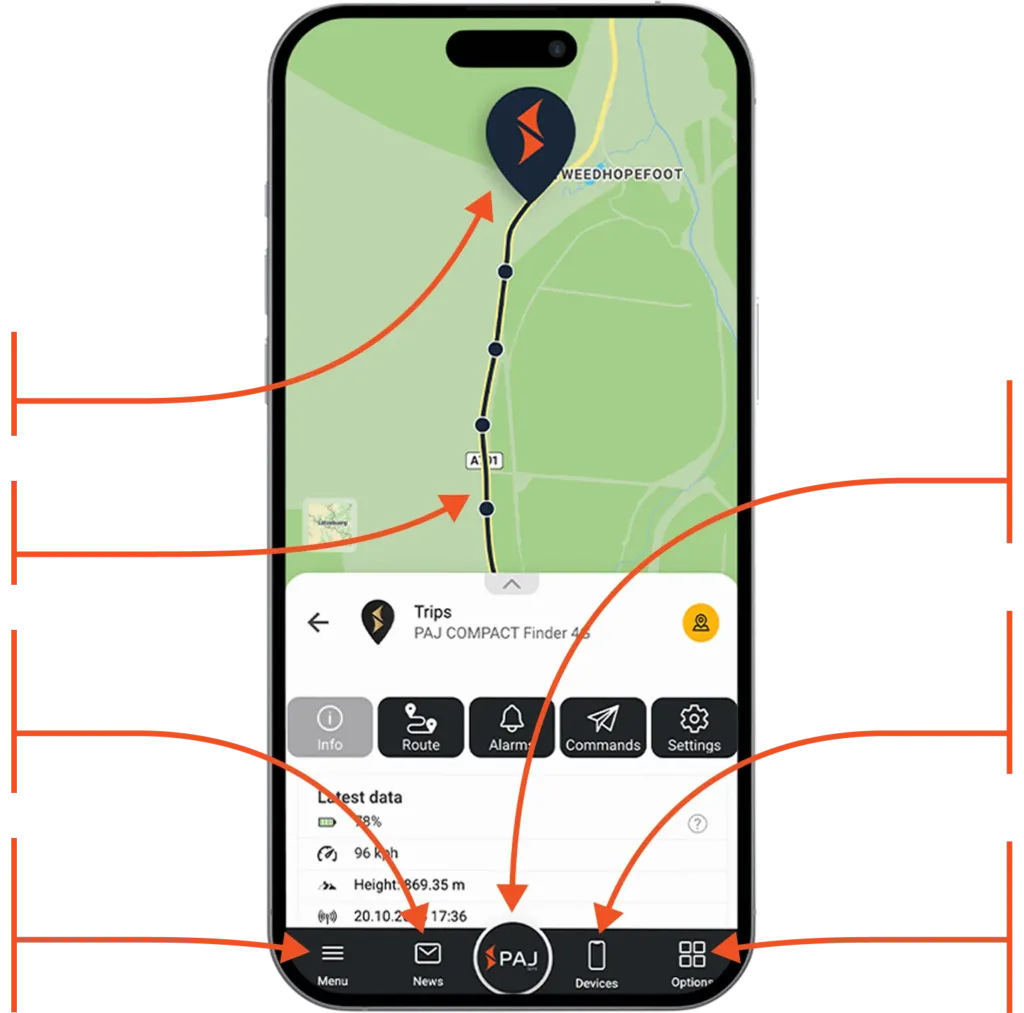
More than just an app, the FINDER Portal provides all the tools you need for efficient GPS tracking, including live location, route history, smart alerts, and central device management, accessible on any device worldwide.
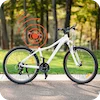
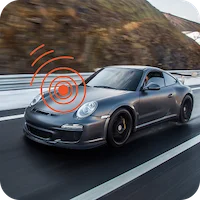
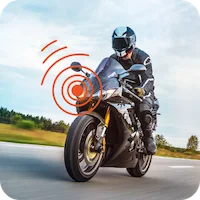
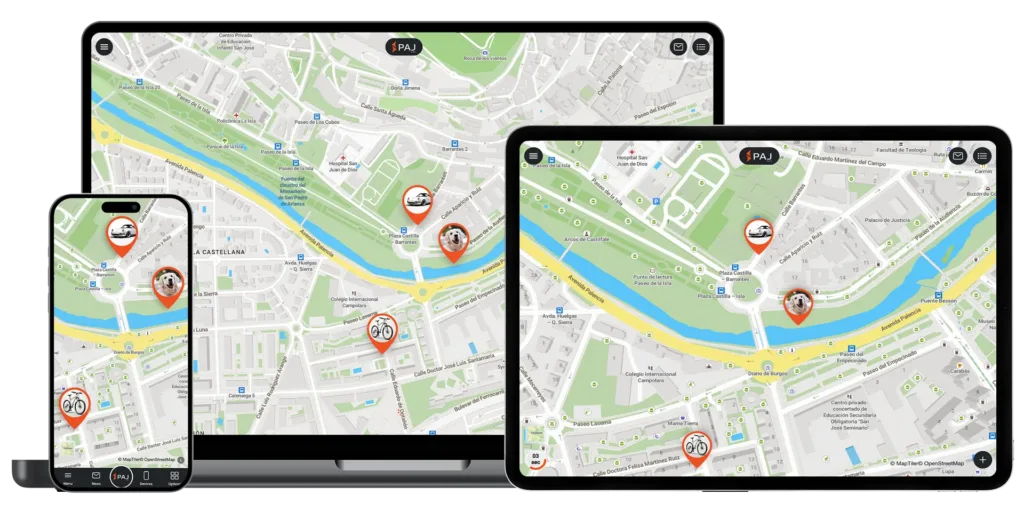
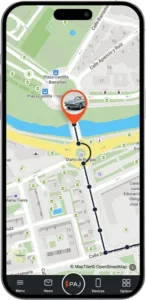
Current locations of all your GPS trackers at any time - whether car, motorcycle, bicycle or other devices
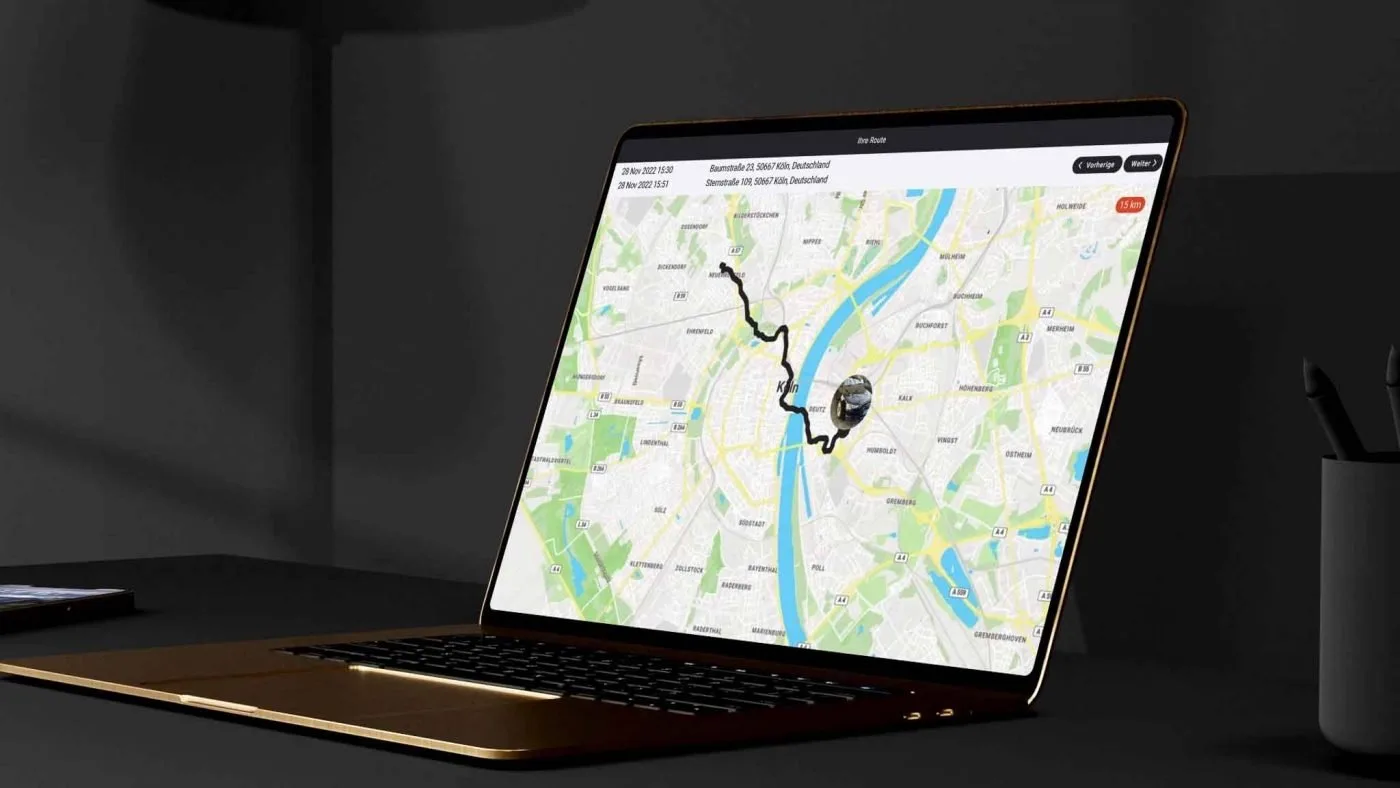
Trace past routes up to 365 days back – with detailed analyses
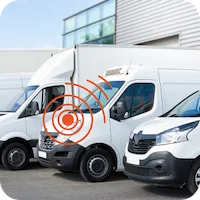
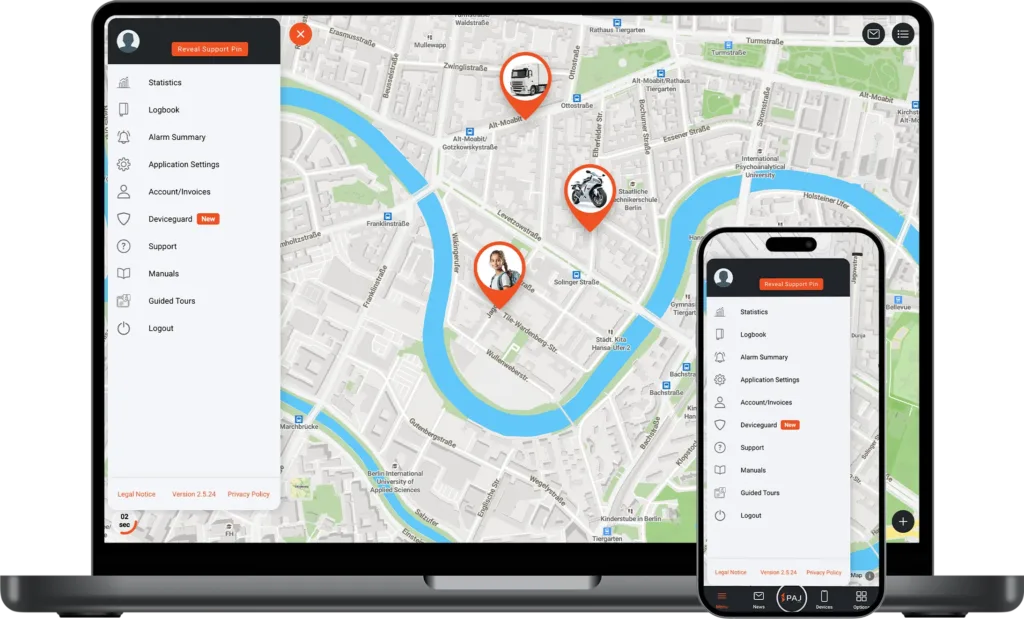
Manage multiple GPS trackers in one place with a clear overview
Use the portal seamlessly on smartphone, tablet, or desktop
Instant notifications of movement, vibration, entering or leaving specified zones, and other events
Continuous improvements and new features based on customer feedback
Assign roles and permissions with ease – from Admin to basic User
Build tailored solutions – from fleet systems to smart home automation
Current locations of all your GPS trackers at any time - whether car, motorcycle, bicycle or other devices
Trace past routes up to 365 days back – with detailed analyses
Manage multiple GPS trackers in one place with a clear overview
Use the portal seamlessly on smartphone, tablet, or desktop
Instant notifications of movement, vibration, entering or leaving specified zones, and other events
Continuous improvements and new features based on customer feedback
Assign roles and permissions with ease – from Admin to basic User
Build tailored solutions – from fleet systems to smart home automation
With our trial access, you can explore all functions. A demo tracker records routes regularly, so you can experience the portal realistically.
Download the FINDER Portal v2 app from the App Store or Google Play, or access it directly via your browser at www.finder-portal.com
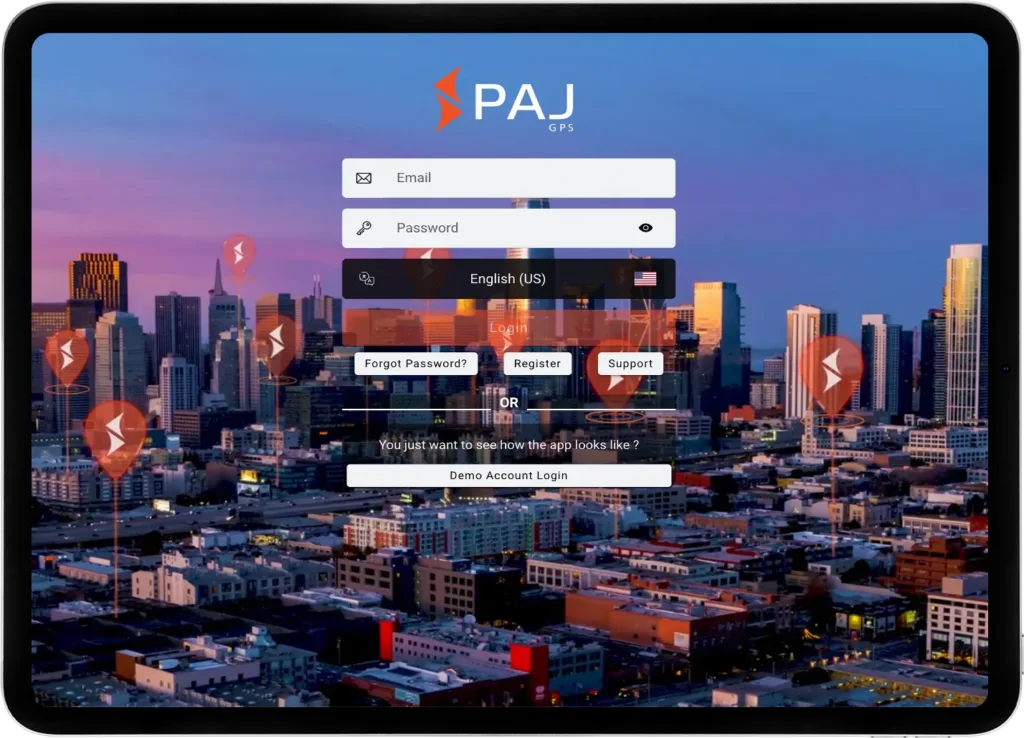
Open the app or web version and click on
“Demo Account Login”
Start using the portal with the integrated demo tracker – no registration required
* Since multiple users share this access, we do not recommend enabling notifications permanently.
** You may choose whether to allow the app to access your device’s location. This does not affect the demo access or tracker functionality.
Simple, flexible, and available on all devices
The FINDER Portal is designed for maximum flexibility – usable on desktop, smartphone, and tablet. Thanks to the multi-device function, it can be used on several devices simultaneously, ideal for sharing with family, friends, or colleagues. With support for 9 languages, it is especially user-friendly and globally accessible.
See for yourself what others are saying!
Software Made in Europe
Your privacy is always our top priority. All data is stored securely on a European server managed under German law. User profiles are never created from your data, nor is it shared with third parties. Your data belongs only to you.
All transmitted data is fully encrypted to protect your personal information and location data
With PAJ GPS, you are protected from data leaks thanks to continuous updates that address new threats and enhance system security
We adhere to strict regulations and employ robust security measures to ensure your data is handled responsibly and safely
All-in-One GPS Solution
Choose the perfect tracker for your needs.
Choose a plan that flexibly adapts the duration and features to your needs. The subscription is part of the complete GPS solution.
Sign in to the app and start tracking immediately.
Yes, in App Settings you can configure:
General: Dark mode, menu button preferences, map menu settings
Map: Display and performance settings
Notifications: Alert recipient management
App Modes: Presets for Vehicles, Pets, People, or Business use
The App Modes provide preset configurations optimized for different use cases:
Vehicle mode: Optimized for cars, trucks, fleet management
Pet mode: Settings for animal tracking
People mode: For personal safety tracking
Business mode: Unlocks enterprise features like user management
Enabling all modes gives access to full functionality
In the Account section you can:
View all orders
Download invoices
Manage licenses (add new, pause, reactivate)
Update payment methods
Modify account details
Both platforms offer the same core functionality. The main differences are:
Desktop: Better for detailed analysis, multi-vehicle overview, extensive report generation
Mobile: Perfect for on-the-go monitoring, quick checks, field management
Both sync in real-time, so you can switch between them seamlessly.
Navigate to the Device List menu and select the tracker you wish to update. Under the Settings tab, you will find the Non-Tracking Mode option. Use the toggle switch to activate or deactivate this mode as needed.
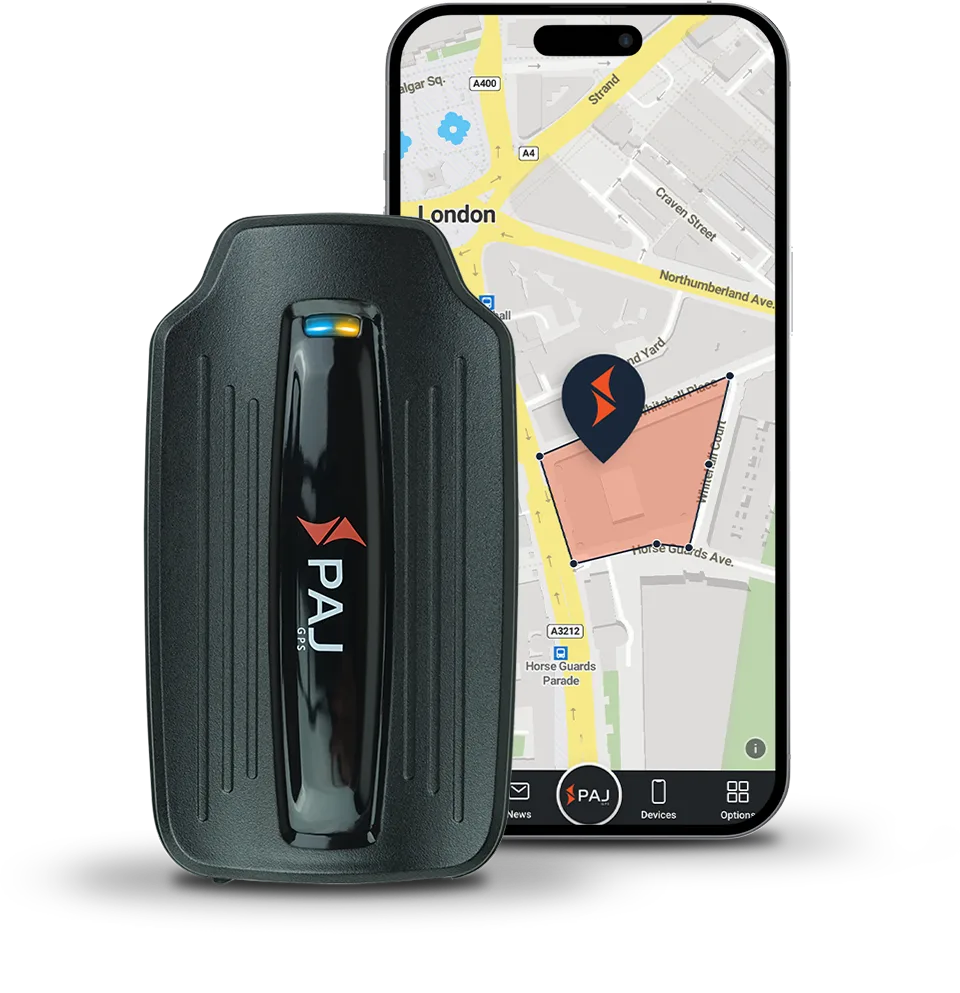
Navigate to the Device List menu and select the tracker you wish to configure. Under the Alarms tab, locate the Geofence setting. From here, you can define a virtual boundary on the map to receive alerts whenever the tracker enters or exits that area.
Navigate to the Device List menu and select the tracker you wish to configure. Under the Alarms tab, locate the speed alarm setting and input the specific speed limit that will trigger the alert.
Navigate to the Device List menu. From there, you can use the Alarm On/Off toggle switch next to each tracker in your account to enable or disable alerts.
Yes. Within the User Management tab, you can create new user profiles and establish hierarchical access levels. You can assign specific roles—such as Admin, Manager, or User—each with tailored permissions and functionality restrictions based on their responsibilities.
Navigate to App Settings and select the Alarms tab. From there, you can add up to three email addresses of your choice to receive notifications.